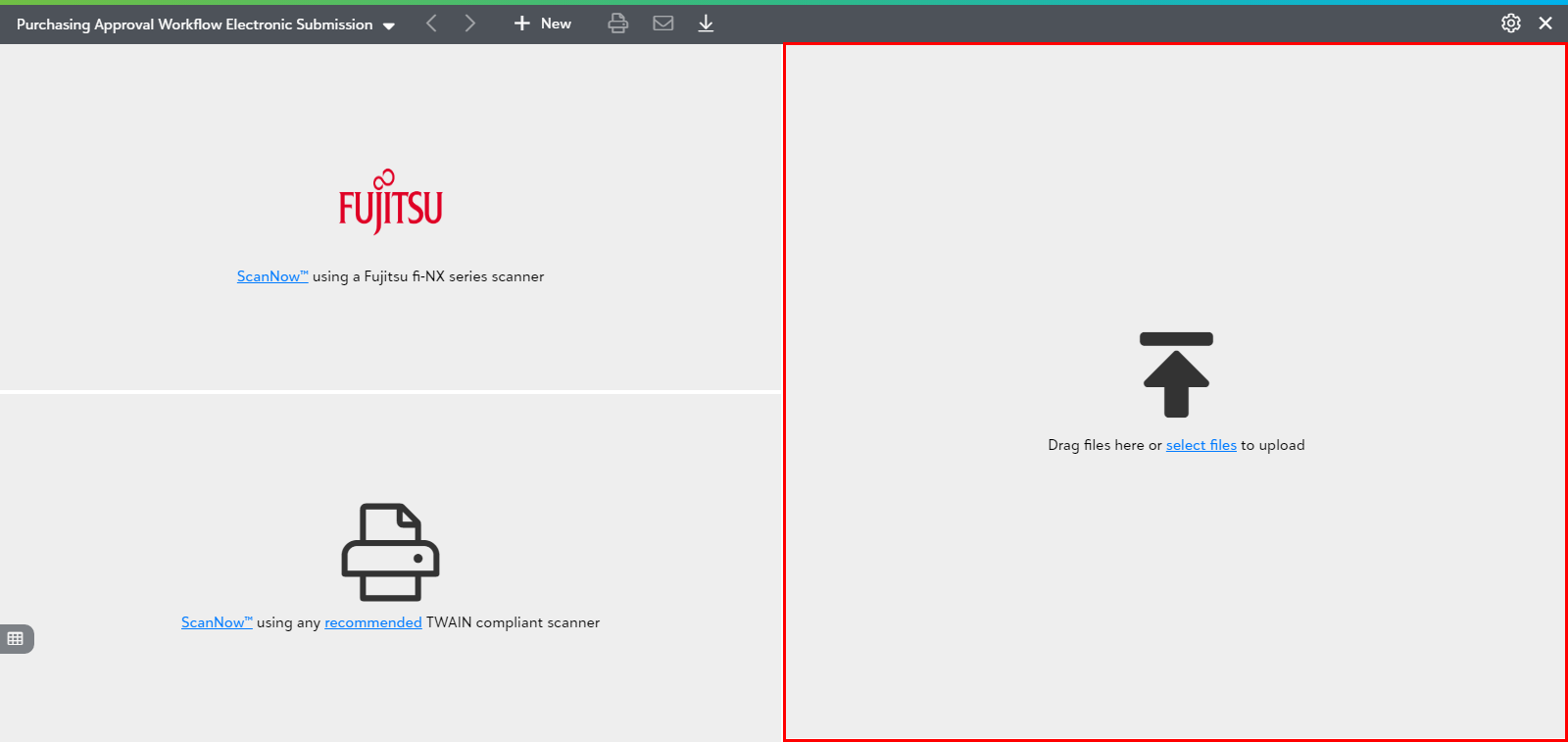
Drag files here or select files to upload
Watch the video to know how to acquire a Workflow document by using "drag files here or select files to upload" from file explorer.
PaperSave provides you the following two options to acquire by uploading electronic documents:
- Drag one or more documents from your file explorer to drag files tile in the file capture options panel.
- Click on "select files" (from within the Drag files tile) to select one or more documents through your file explorer as shown below.
Lockbox Processed file:
PaperSave now provides add-on functionality to split the checks within Lockbox processed file* for the drop points with separator type as "Check Separator". To make this functionality work properly, you need to configure certain settings within the Miscellaneous Settings.
Note: *Please contact support@pairsoft.com to purchase/enable this feature if not yet purchased.
Warning: For the PDF files, the check separator mechanism only works if it is a searchable PDF and is a “Lockbox Processed” file.